Screens & features.
Open a preview to see the original screenshot, or jump to the Feature overview.
Screens
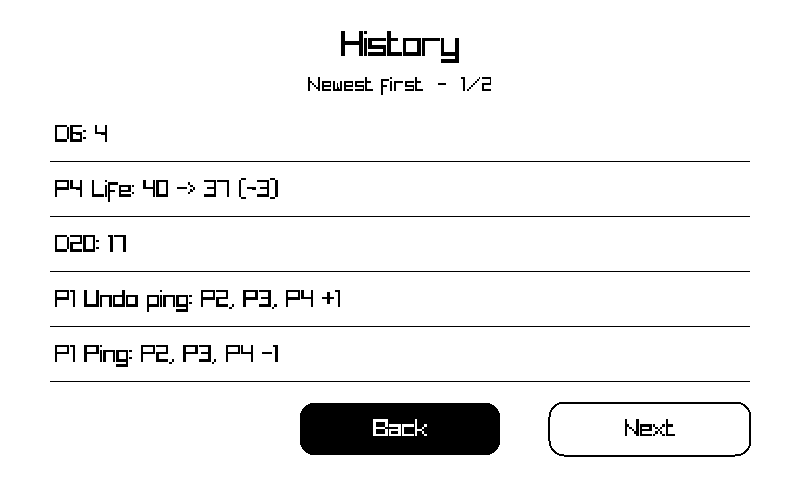
History
The last ten actions, from life changes to dice rolls.
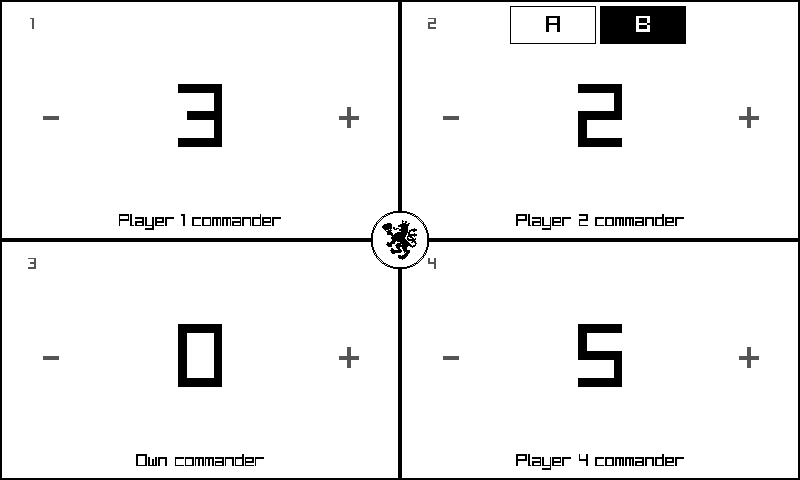
Commander damage
Track damage per commander, with separate counters for partners A and B.
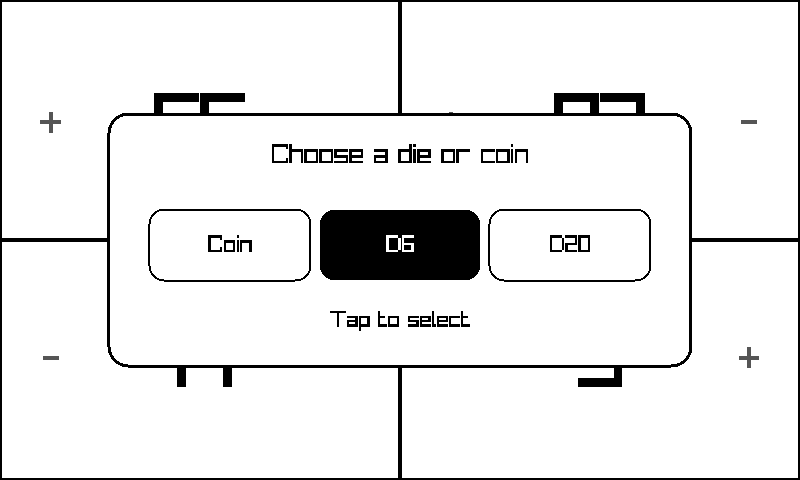
Dice & coin
Hold the middle button to choose a D6, a D20, or a coin flip.
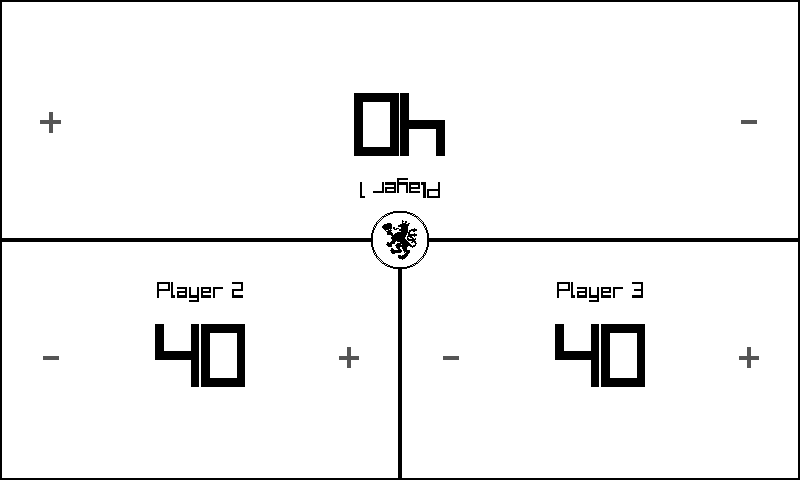
Three-player view
One wide player area on one side and two on the other.
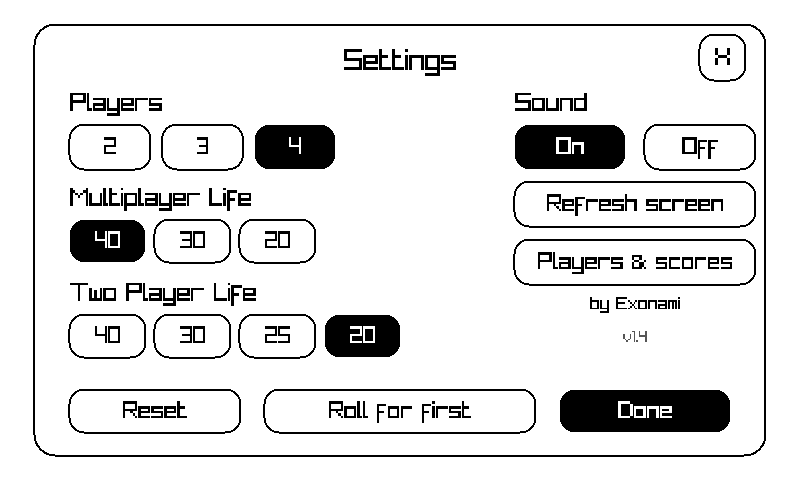
Settings menu
Set the player count, starting life, and sound, refresh the display, or open the player list.
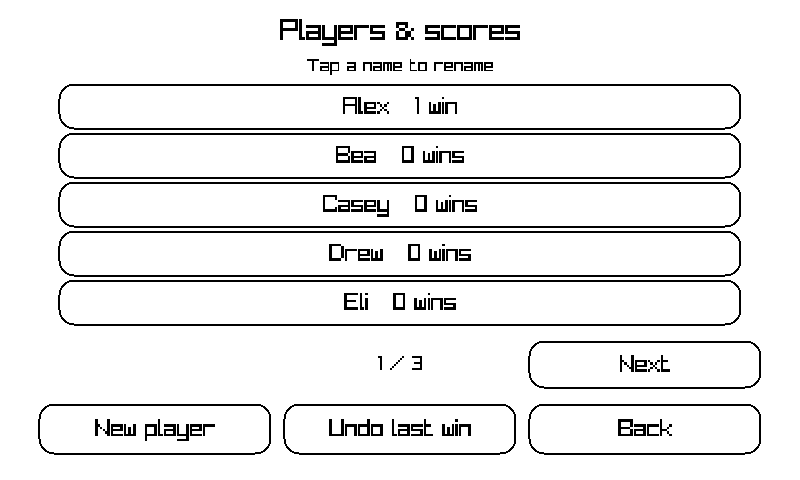
Players & wins
Manage player names and win counts on the device.

Sleep screen
The Exonami logo with the five mana symbols.
Video coming soon
Device demo
A hands-on look at Exonami Lotus at the table.
Feature overview
- Player count & starting life
- Play with two, three, or four players. Each player area faces its side of the table. Set the starting life total in settings.
- Adjust life totals
- Tap to change life by 1 or hold to change it by 10. The net change stays visible for four seconds after the last input.
- Commander damage & poison counters
- Swipe sideways for Commander damage or up for poison counters. Track damage from each commander, including your own. Each partner commander has a separate 21-damage threshold.
- Ping & undo
- Swipe down to take one life from every other player. Swipe up within four seconds to undo the ping.
- History & settings
- Hold the center icon to see the last ten actions. Tap it to open settings.
- Dice, coin & first player
- Press the middle button to roll. Hold it to choose a D6, D20, or coin. Press the lower button to pick who starts.
- Player names & wins
- Tap a player name to select one or create a new one. You can record a winner when resetting the game and undo the last recorded win.
- Save the game & refresh the display
- The device saves the game when it goes to sleep. The e-paper display refreshes automatically, and you can refresh it manually from settings.
- Three physical buttons
- One button puts the device to sleep or wakes it up. Two more provide shortcuts during play.
- Rechargeable USB-C battery
- The low-power e-paper display and deep sleep help the built-in 750 mAh battery last several days with light use. Recharge via USB-C.